

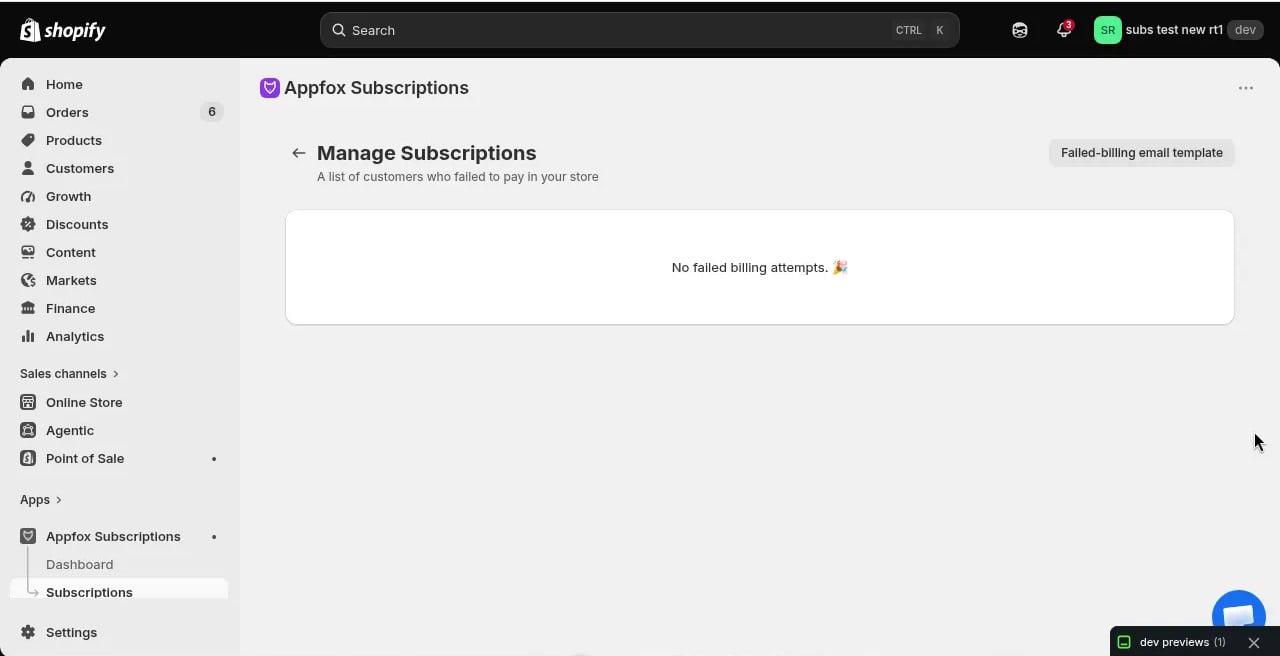
What are failed payments?
A failed payment occurs when Shopify attempts to bill a subscription contract but the payment is declined. Common reasons include:- Expired credit card
- Insufficient funds
- Card reported lost or stolen
- Payment method cancelled by the customer
- Bank declined the charge
View failed payments
To access the Failed payments page:- Click Subscriptions in the main navigation
- Click Failed payments or view the failed payments section on the Subscriptions page
- Order: The order number associated with the failed billing attempt
- Contract: The subscription contract ID
- Customer: The customer name and email
- Failed count: Number of failed billing attempts for this contract
- Retry count: Number of automatic retry attempts made
- Actions: Options to retry billing, contact the customer, or cancel the subscription
Automatic retry attempts
The app automatically retries failed payments according to your dunning schedule. Each retry sends a dunning email to the customer reminding them to update their payment method. After the maximum retry attempts, the subscription may be:- Paused: Billing stops but the contract remains active (customer can resume by updating payment)
- Cancelled: The subscription is permanently cancelled (depending on your settings)
Manually retry a failed payment
If the customer updates their payment method, you can manually retry the billing attempt:- Find the subscription in the Failed payments list
- Click the retry action (if available)
- Shopify immediately attempts to bill the updated payment method
- If successful, the subscription resumes and moves out of the failed payments list
Manual retry only works if the customer has updated their payment method. Retrying with the same failed payment method will fail again.
Customize the failed-billing email
You can customize the dunning email that customers receive when a payment fails.Edit the email template
1
Go to Failed payments
Click Subscriptions → Failed payments.
2
Open email template
Click Email Template or Customize email (depending on the UI).
3
Edit email fields
Customize:
- Important Link: A URL to direct customers (e.g., your customer portal or payment update page)
- Greetings: The greeting text at the top of the email (e.g., “Dear Valued Customer”)
4
Save changes
Click Save to apply your changes. Future failed-billing emails will use the updated template.
How dunning works
Dunning is the automated process of retrying failed payments and sending reminder emails:- A billing attempt fails
- The subscription moves to the failed payments list
- The app sends the first dunning email to the customer
- The app retries billing after a delay (e.g., 3 days later)
- If it fails again, another email is sent and another retry is scheduled
- After the maximum retries, the subscription is paused or cancelled
Best practices
Reduce failed payments
- Encourage customers to keep their payment methods up to date
- Send proactive reminders before cards expire
- Offer multiple payment options
- Make it easy to update payment methods in the customer portal
Handle failures quickly
- Check the Failed payments list regularly
- Contact high-value customers directly when payments fail
- Offer grace periods before cancelling subscriptions
Optimize dunning emails
- Keep the message friendly and helpful, not punitive
- Provide a clear path to update payment (link to customer portal)
- Use your brand voice and colors
Related topics
- Customer portal — Let customers update payment methods themselves
- Emails — Customize other subscription email templates
- Subscriptions — View and manage all subscription contracts
Failed payments are separate from cancelled subscriptions. A failed payment means billing failed but the contract is still active (pending retry). A cancelled subscription has been permanently ended.